
Charting
Technical indicators on Libertex
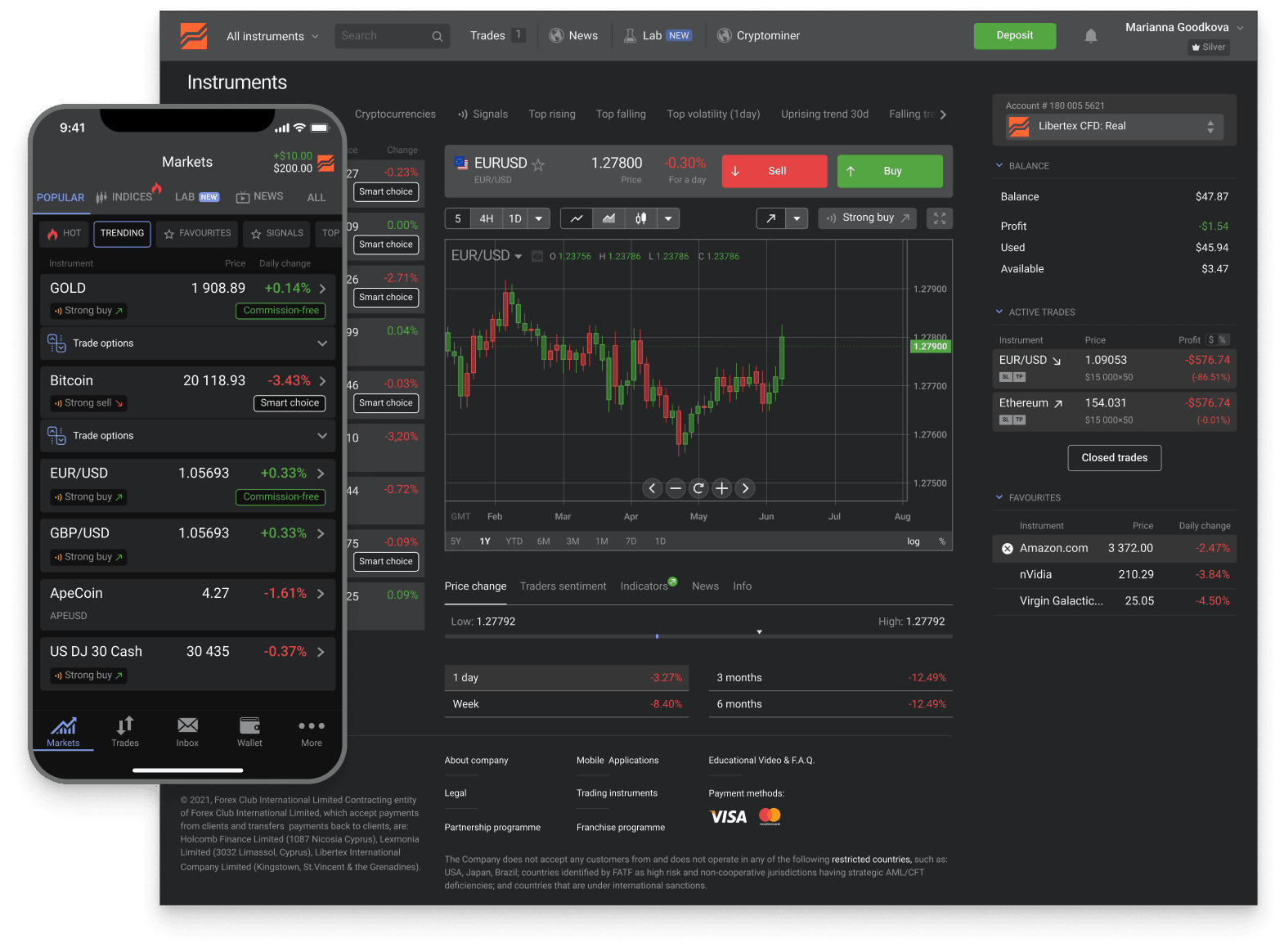
The Libertex web terminal ships with the standard set of technical indicators — enough for most strategies. MT4 and MT5 open up the full MetaTrader ecosystem: dozens of built-in indicators and thousands of community-built ones in MQL4 / MQL5 that you can add yourself.
Trusted
- downloads
- 15M+
- reviews
- 25K+
- years
- 26+
- countries
- 120+
across iOS and Android
App Store + Google Play
in global markets
served worldwide
Industry recognition

Most Trusted Broker
2024 · European CEO Awards

Best Global Broker
2025 · UF Awards

Best Online Trading Platform
2025 · Fintech Breakthrough

CFD Broker of the Year
2024 · Pan Finance
By indicator family
The four families of technical indicators
Technical indicators sort into four families based on what they measure. Knowing the family helps you avoid stacking redundant indicators that all describe the same thing.
Trend
SMA, EMA, MACD, Parabolic SAR, ADX
Smooths price action to show direction over a chosen window. Used to identify the direction of the dominant trend and timing of trend changes. Moving averages are the canonical example — simple, effective, present on every platform.
Momentum
RSI, Stochastic, CCI, Williams %R, ROC
Measures the speed of price changes — how fast is price moving up or down. Useful for spotting overbought / oversold conditions and divergences between price and momentum that often precede reversals.
Volatility
Bollinger Bands, ATR, Standard Deviation, Keltner Channels
Quantifies how much price is moving relative to recent ranges. Useful for position-sizing (wider stops when ATR is high), spotting low-volatility setups before breakouts, and adapting strategy parameters to current market conditions.
Volume
OBV, Volume Profile, MFI, Accumulation/Distribution
Tracks the volume behind price moves — whether a trend is supported by participation or running on thin volume. More meaningful on equities and futures than on decentralised forex, where consolidated volume isn't available.
Where each indicator lives
Indicator availability by platform
All three Libertex platforms cover the indicator basics. The differences are in depth, customisation, and access to community-built indicators.
- Native platform — built-in
- ~12 standard indicators across all families
- Native platform — custom
- Not supported
- MT4 — built-in
- 30+ across trend, momentum, volatility, volume
- MT4 — custom (MQL4)
- Thousands available, free and paid
- MT5 — built-in
- 38+ including newer Bill Williams set
- MT5 — custom (MQL5)
- Growing library, written in MQL5
- Mobile (native)
- Subset of the desktop native indicators
If you need a specific custom indicator from another broker, check whether it's MQL4 or MQL5 before deciding between Libertex MT4 and MT5 — they're not directly compatible. The Libertex native platform is fine for most discretionary trading but doesn't accept third-party indicators at all.
Where to go next
Pick a platform that fits your indicator needs
If you need depth or custom indicators, pick a MetaTrader sub-account. If standard tools are enough, the Libertex native platform is faster to set up and works on mobile.
MT4 — established ecosystem
Larger custom-indicator library (15+ years of MQL4 development). Pick MT4 if you depend on specific community indicators or migrating from another MT4 broker.
About MT4MT5 — modern with more built-ins
More built-in indicators out of the box, including the Bill Williams set. Custom indicators are in MQL5 — younger but growing library, modern architecture.
About MT5Test on the demo first
$50,000 virtual capital on the Libertex native platform. Try the built-in indicator set before deciding whether you need MT4 / MT5 depth at all.
Demo accountTrading signals — honest reading
Four different things get called 'trading signals' on Libertex: the built-in MetaTrader Signals service, indicator-generated chart alerts, third-party Telegram services, and EA-produced signals. The page covers each type plus the honest caveat that 'profitable signals' without audited multi-year track records are marketing, not strategy.
Signals overview
FAQ
Indicator questions
Next step
Set up indicators for your strategy
Open a Libertex account, add the indicators you want in the web terminal or in MT4 and MT5, and test them on a demo before you trade live.
Trading in financial instruments is a risky activity and can bring not only profits, but also losses. The amount of possible losses is limited by the amount of the deposit.