
iOS app
Libertex on iPhone and iPad
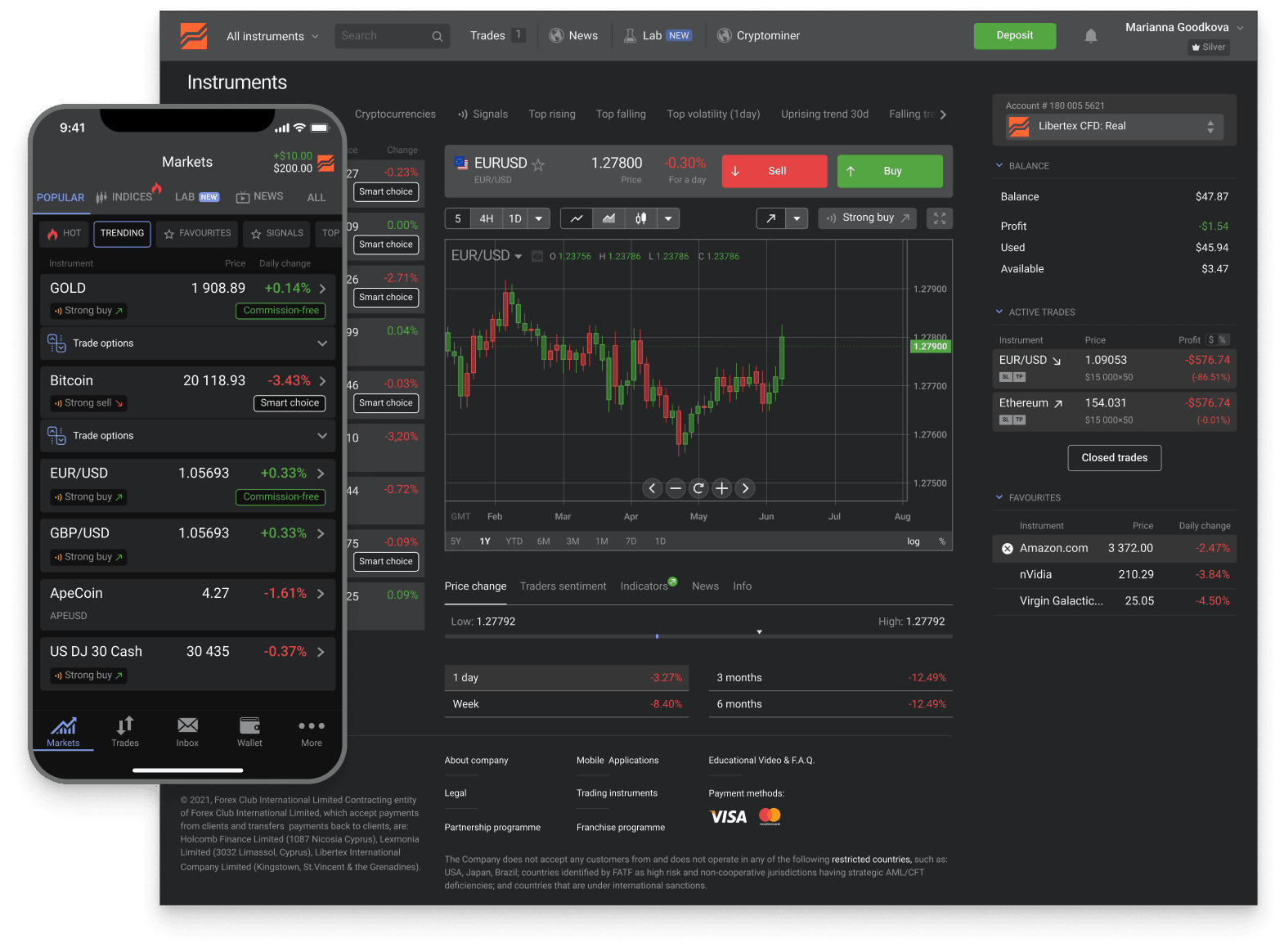
The Libertex app for iPhone and iPad is a full trading terminal. Open your account in minutes and trade global markets right from your phone.
Trusted
- downloads
- 15M+
- reviews
- 25K+
- years
- 26+
- countries
- 120+
across iOS and Android
App Store + Google Play
in global markets
served worldwide
Industry recognition

Most Trusted Broker
2024 · European CEO Awards

Best Global Broker
2025 · UF Awards

Best Online Trading Platform
2025 · Fintech Breakthrough

CFD Broker of the Year
2024 · Pan Finance
What's in the app
Full trading platform on iOS
Four capability areas. The iOS app is feature-equivalent to the Android app and covers most of what the web platform does, optimised for the iOS gesture and notification system.
Real-time charts and indicators
Multiple timeframes, the standard indicator set (RSI, MACD, Bollinger, MAs, Stochastic, etc.), drawing tools, and watchlists. Charts sync to your web account in real time. iPad's larger screen gives a more web-like analysis surface than iPhone.
Full order management
Open positions, modify stop-loss and take-profit, close positions, set pending orders. Order tickets show the same multiplier / margin / commission breakdown as the web platform. iOS-style confirm-on-press flow reduces accidental order submission.
Account dashboard
Deposit and withdraw, view transaction history, complete KYC document upload using the device camera, update payment methods, manage two-factor authentication. The full account-management surface is in the app — no need to switch to web for routine operations.
Push notifications
Price-level alerts you configure, order-execution notifications, account-security alerts (sign-in from new device, large transactions), and platform announcements. iOS requires explicit notification permission on first run; you can fine-tune the categories from the app settings or iOS Settings.
At a glance
iOS app — quick spec
The details most users want to confirm before installing — what device classes are supported, what features the app exposes, and how it interacts with the broader Libertex account.
- Distribution
- Apple App Store only — the broker doesn't distribute via TestFlight or sideloading. Anything else claiming to be 'Libertex iOS' is not the official app
- Publisher
- The Forex Club Group entity (same parent as the Android app and the broker's web platform)
- Device classes
- iPhone (full optimisation) and iPad (universal binary, supports landscape and split-view)
- iOS version
- Modern iOS versions — the App Store listing shows the current minimum; older iPhones outside support fall back to the web platform via Safari
- Login
- Email + password on first launch, then Face ID or Touch ID on capable devices for subsequent sessions
- Account types
- Standard Libertex CFD account — MT4 and MT5 sub-accounts use the separate MetaQuotes apps (MetaTrader 4 / MetaTrader 5) on iOS, not part of the Libertex app
- Instruments
- All 1,300+ Libertex CFD instruments available on live; demo mode runs the same instrument set with virtual funds
- Push notifications
- Trade-execution confirmations, price alerts on positions and watchlists, withdrawal-status updates — granular permissions in iOS Settings
- Demo mode
- Same app, account-mode toggle — switch between demo (virtual $50,000) and live without re-installing or re-authenticating
- Cost
- Free to download and use — broker monetises via trading spread and commission, not via app fees
The iOS app is one of four Libertex surfaces (iOS, Android, web, MetaTrader). Positions and balance sync across surfaces in real time — start a trade on iPhone, manage it on the web. For MT4 / MT5 workflows specifically, install the MetaQuotes apps separately and connect with your Libertex sub-account credentials.
Step by step
How to get the app
Standard App Store install. Apple's developer-vetting process is a passive legitimacy filter on top of the broker's own credentials — random spoofed apps don't make it onto the App Store easily.
Search "Libertex" on the App Store
30 secondsOpen the App Store and search for Libertex. Verify the developer name matches the broker's parent group before installing. The official listing has sustained download volume and a long review history.
Install the app
1–2 minutesStandard App Store install — Face ID or App Store password confirms the download. The app size is under 200 MB; download is fast on Wi-Fi. The app supports recent iOS versions; specific minimum-iOS requirements are on the App Store listing.
Sign in with existing credentials
1 minuteOpen the app and sign in with the email and password you registered with on the web. The app inherits your verified account state — no separate KYC, no separate balance. New users can register from within the app.
Enable Face ID or Touch ID (optional)
30 secondsAfter first sign-in, the app offers to enable biometric unlock. Face ID is supported on iPhone X and later; Touch ID on older devices and some iPad models. The biometric reference stays inside Apple's Secure Enclave on the device; the broker never receives it.
Related
If iOS isn't your only surface
The iOS app is one of four official Libertex surfaces. Three pages cover the alternatives — Android, web, and a way to try without depositing.
Download hub (App Store + Play)
iOS-specific install details here cover the iPhone / iPad workflow. For the broader download hub — both stores plus safety checks against spoofed broker apps — see the parent download page.
Download pageAndroid app
Same feature set, same shared account, Google Play download. Covers fingerprint and face-unlock specifics for Android users.
About AndroidWeb platform
Browser-based, no install, the most feature-complete native surface. Useful as the primary analysis surface with the iOS app as the on-the-go companion.
Web platformTry on the demo
The iOS app runs the demo account natively — switch between demo and live with one toggle. $50,000 virtual capital, no deposit, real-time market data.
Demo account
FAQ
iOS app questions
Next step
Open your account and start trading
Open your Libertex account in minutes and trade global markets — on the app or in your browser.
Related:Registration steps·Demo account·Log in·Fees overview
Trading in financial instruments is a risky activity and can bring not only profits, but also losses. The amount of possible losses is limited by the amount of the deposit.