
Download
Download the Libertex app
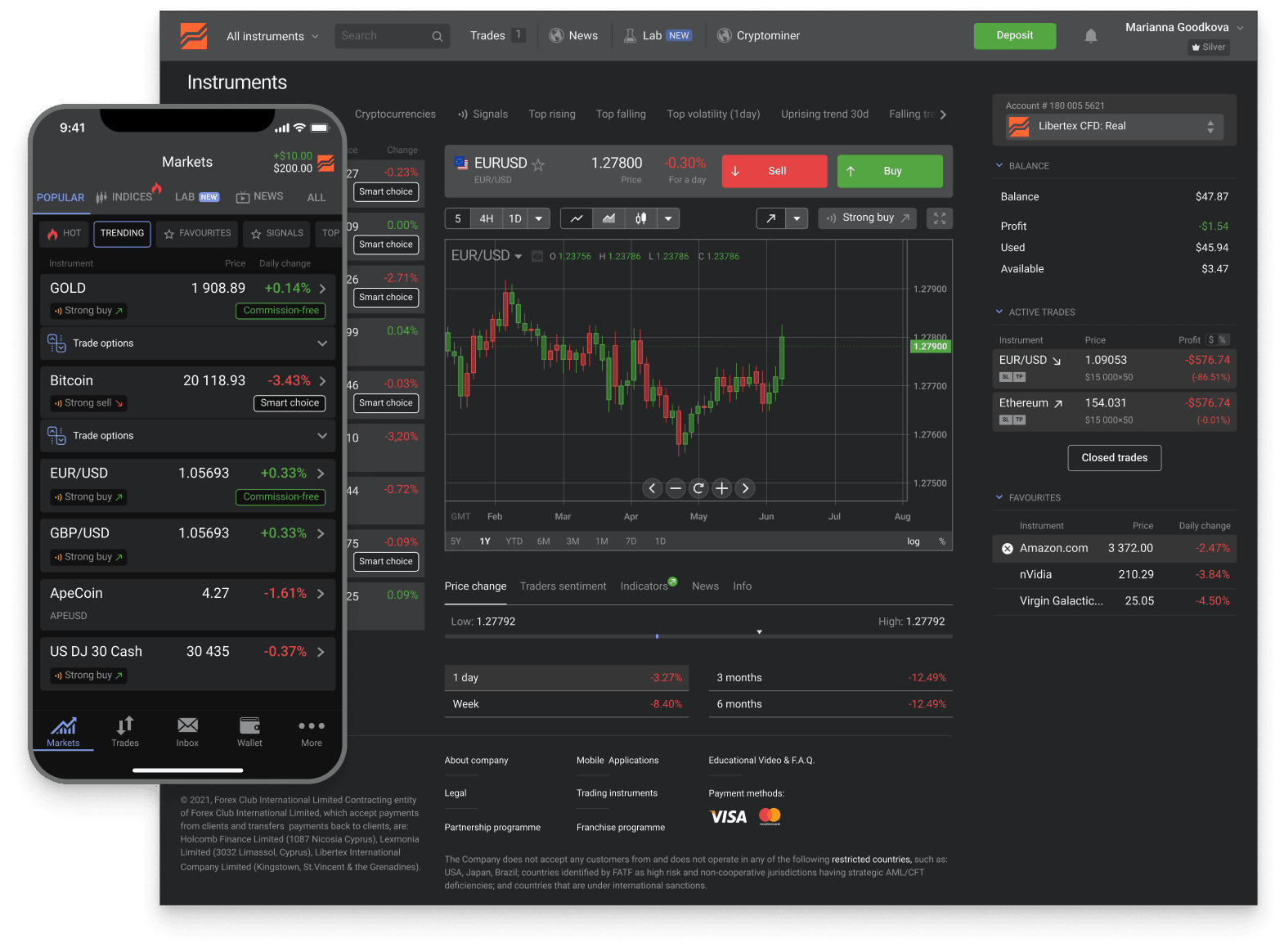
The Libertex app is free to download on the App Store and Google Play — iPhone, iPad, and Android. Open your account in minutes and start trading on any device.
Trusted
- downloads
- 15M+
- reviews
- 25K+
- years
- 26+
- countries
- 120+
across iOS and Android
App Store + Google Play
in global markets
served worldwide
Industry recognition

Most Trusted Broker
2024 · European CEO Awards

Best Global Broker
2025 · UF Awards

Best Online Trading Platform
2025 · Fintech Breakthrough

CFD Broker of the Year
2024 · Pan Finance
Where to download
Pick your platform
Two official channels. Always install from these — third-party sites or APK files claiming to be Libertex are a fraud vector and should not be used.
App Store
iPhone & iPad
Open the App Store on your iPhone or iPad and search "Libertex". Verify the developer name on the listing matches the broker's parent group before tapping Install. Apple's App Store is the only legitimate distribution channel for the iOS app — random spoofed broker apps generally don't pass Apple's developer-vetting. Face ID / Touch ID sign-in is supported on capable devices.
iOS app detailsGoogle Play
Android
Open Google Play on your Android device and search "Libertex". Verify the developer name before installing. Google Play is the official distribution channel for the Android app. If you're in a region where Google Play is restricted, contact broker support for the official alternative-distribution channel — never install APK files from random websites that claim to be Libertex.
Android app details
Before you install
Three safety checks
Fake broker apps and malicious APK files exist. Three quick checks separate the real Libertex app from typo-clones and credential-harvesting impostors.
Install only from the official store
App Store for iOS, Google Play for Android. Don't sideload APKs found through search results, Telegram channels, or third-party download sites — these are the main distribution vector for credential-harvesting clones of broker apps.
Verify the developer name on the listing
Before tapping Install, check the developer name shown on the App Store / Google Play listing. It should match the broker's parent group. A wrong developer name on a Libertex-branded app is the clearest sign of a fake — abort the install and search again from inside the store.
Don't trust APK links from emails or chats
If someone — even a "helpful" support chat — sends you a direct APK link, it's almost certainly malicious. Real broker support directs users to the official store. Anything else is a social-engineering attempt; treat with maximum suspicion.
Beyond download
After the app is installed
Three pages cover what to do once the app is on your device — choose between web and mobile, try the demo, or open an account if you don't have one yet.
All Libertex surfaces
Mobile is one of five Libertex surfaces (iOS, Android, web, MT4, MT5). The platforms page covers when to use which.
Platforms overviewWeb — no install
If you don't want to install anything, the web platform runs in any browser. Same account, same features, no install required.
Web platformTry the demo first
After install, the demo unlocks immediately — $50,000 virtual capital, no deposit, no KYC. Use it to evaluate the app before committing real money.
Demo account
FAQ
Download questions
Next step
Open your account and start trading
Open your Libertex account in minutes and trade global markets — on the app or in your browser.
Related:Registration steps·Demo account·Log in·Fees overview
Trading in financial instruments is a risky activity and can bring not only profits, but also losses. The amount of possible losses is limited by the amount of the deposit.